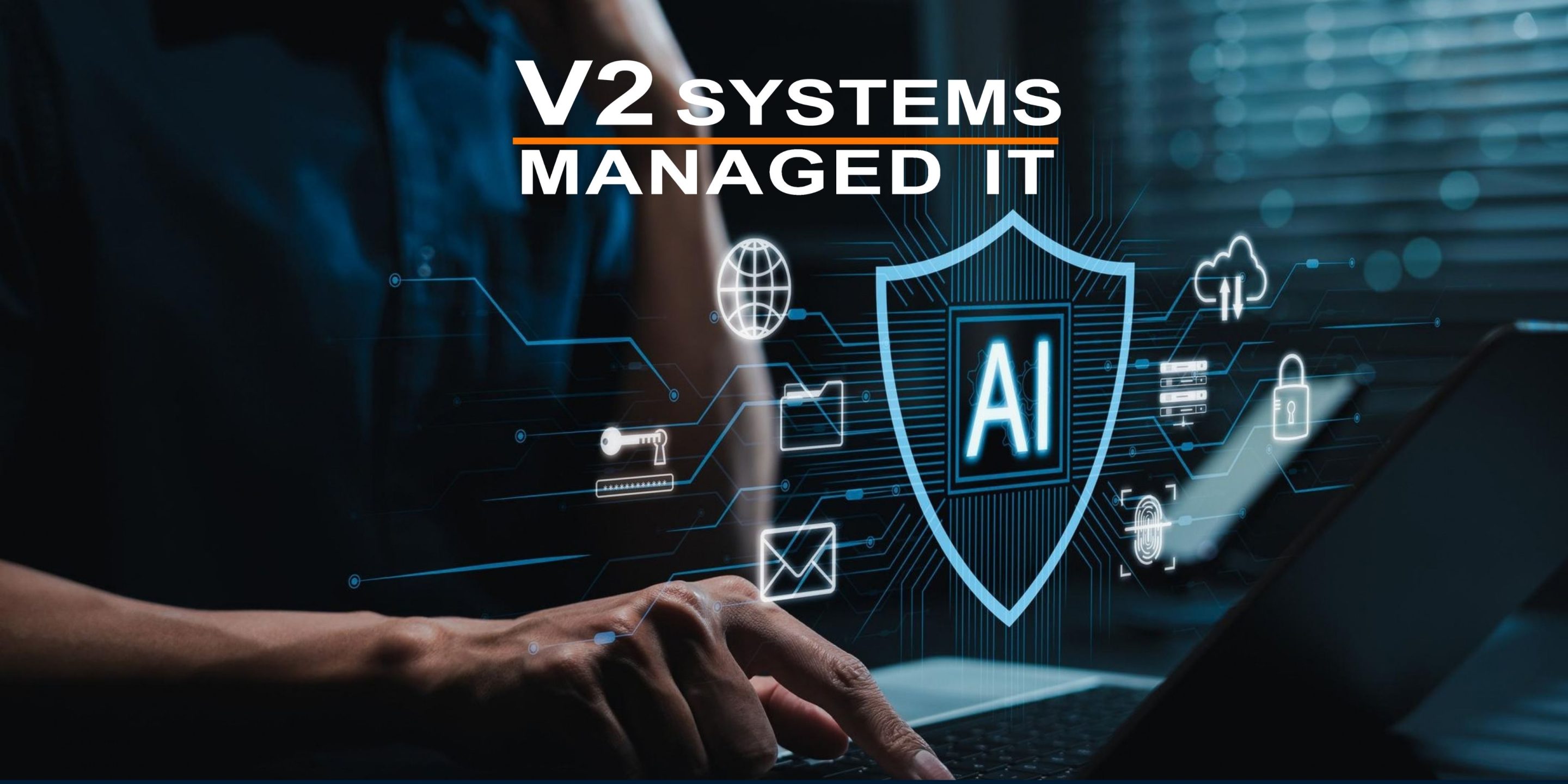
When you’re trying to keep your networks safe, sometimes it’s handy to have an armed guard at the door as your first line of defense. That’s what a Secure Internet Gateway (SIG) does for you.
A SIG is a type of internet security software that prevents unsecured traffic from entering the internal network of a business or organization. It’s a security solution that protects the network’s users — your employees — from accessing malicious internet traffic, websites or malware that can infect the system. It also ensures implementation and compliance with your regulatory policy.
In short, a SIG is a key part of your business’ success. That’s why a secure web gateway is listed as one of the top IT security spending priorities, according to eSecurity Planet’s 2019 State of IT Security survey,
Security for Next Gen Workplaces
The landscape of work changes as fast as the internet evolves. And the cloud has moved those changes forward exponentially. Previously, companies could erect a perimeter around their headquarters, protecting all those desktops computers and other critical infrastructure and applications.
Those days are over.
The cloud has changed not just the way we work, but where we work. As more business takes place outside your network via the growing number of remote workers and BYOD users, the potential for breaches increases. By 2021, Gartner predicts the average company will have 25 percent of its corporate data traffic bypassing the network perimeter.
That means if you rely on perimeter security alone, you’re not fully protected. These gaps open the door for malware, ransomware and other cyberattacks.
“It’s this connected world that exposes people to security vulnerabilities,” said Cisco Vice President Matt Watchinski.
Secure Internet Gateway: Stopping Threats in Their Tracks
A secure web gateway will enforce threat prevention and information security rules based on user, location, content and various other factors. A top-tier system — like Cisco Umbrella — will work with your existing security systems to block malicious activity before it occurs.
A SIG provides advanced threat defense and legacy malware protection by:
- Terminating and proxying web traffic.
- Inspecting that traffic via a number of security checks, including URL filtering, malware detection, anti-virus scanning, sandboxing, data loss prevention, user authentication and other integrated technologies.
- Enforcing consistent internet security and compliance policies for all users regardless of their location or the type of computer or device they are using.
Businesses who use a SIG will gain flexibility, management and performance advantages, according to an analysis by Gartner.
Continuous Protection
 With a SIG operated by a Managed Security Services Provider (MSSP), your business can maintain a hardened and compliant security posture by monitoring and managing all aspects of your security systems. Your network and assets will be continuously protected 24x7x365 with feeds from intelligence on current and emerging threats.
With the IT threat landscape constantly evolving, it’s imperative for companies to make sure they have the skilled security talent with the IT expertise to handle any situation. By outsourcing the monitoring and management of their security systems and devices, you bring that talent onboard while freeing up your onsite IT department to handle duties central to your business mission.
When you’re ready to talk about your security needs, call us for a free two-hour consultation — no strings attached. Our expert engineers can design safeguards that are an integral part of your IT network right from the start. Together, we can develop a Managed Security Services plan that meets your needs and fits your budget.
Since 1995, Manassas Park, VA-based V2 Systems has employed local systems administrators, network engineers, security consultants, help desk technicians and partnering companies to meet a wide range of clients’ IT needs, from research, to implementation, to maintenance. Managed Security keeps our clients safe, while our IT support keeps them up and running. Reach out to our experts today. Concentrate on your VISION…We’ll handle the TECHNOLOGY!