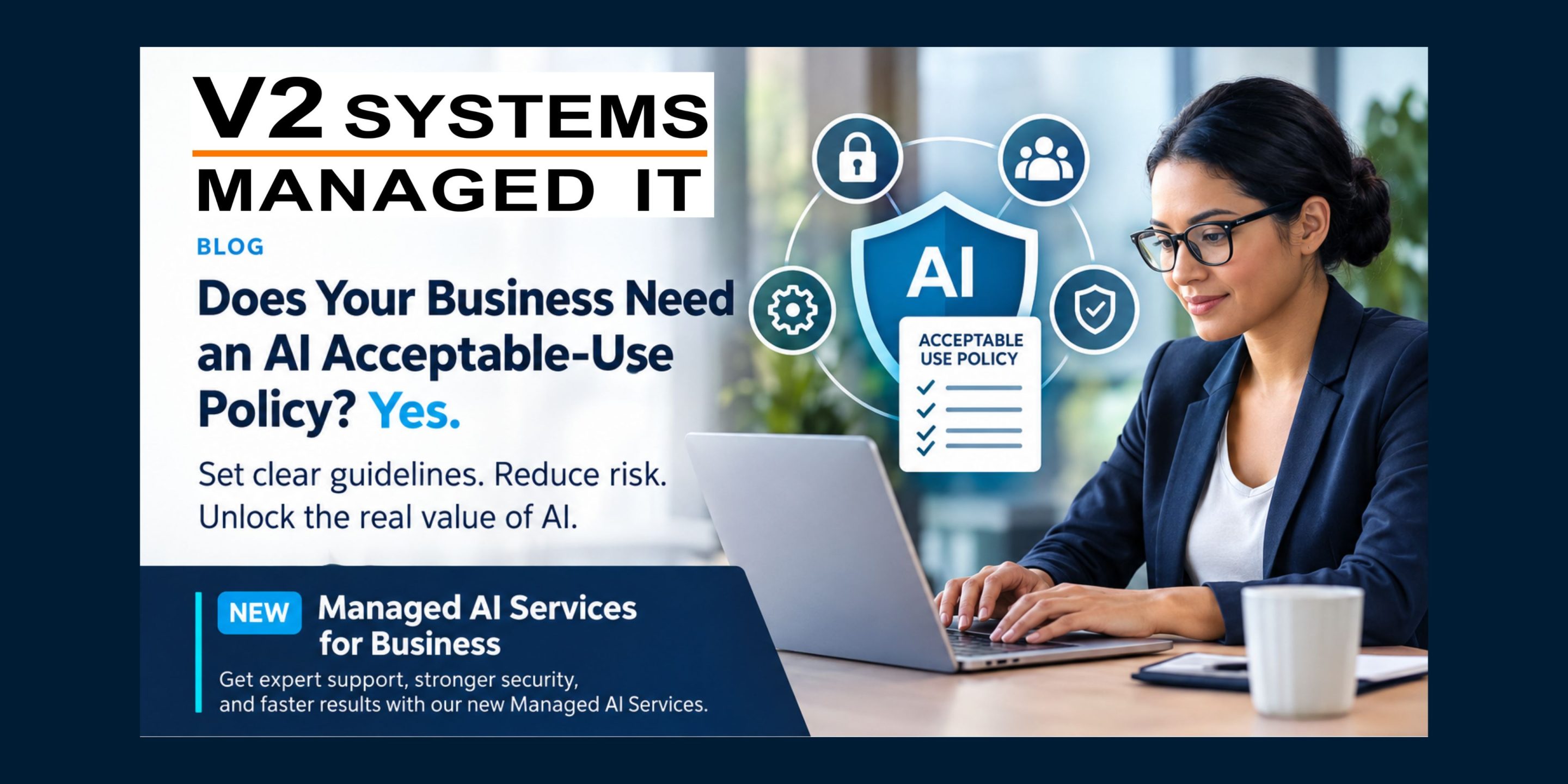
Artificial intelligence can help employees write emails, summarize documents, analyze information, and get work done faster. But before copying and pasting information into ChatGPT, Copilot, Gemini, Claude, or another AI tool, employees need to ask one important question:
Should this information be shared with an AI tool at all?
The answer depends on the information, the AI tool being used, and your organization’s policies. Even when AI is approved for business use, that doesn’t mean every type of company data is appropriate to share with it.
Here are the types of information employees should never enter into unapproved AI tools.
1. Confidential Business Information
Internal financial reports, business plans, unreleased product details, pricing strategies, contracts, and merger or acquisition discussions can give competitors an advantage if disclosed.
Employees may be tempted to upload a confidential document and ask AI to summarize it. Before doing so, they should confirm that the specific AI tool is approved to handle that information.
2. Customer and Employee Personal Data
Names, home addresses, Social Security numbers, financial account details, payroll records, employee files, and customer information deserve special protection.
Uploading this information to an unapproved AI service could expose sensitive data and create privacy, contractual, or regulatory concerns.
The Federal Trade Commission’s guide to protecting personal information offers additional guidance on safeguarding the information businesses collect and maintain.
3. Passwords, Credentials, and Security Details
Never paste passwords, multifactor authentication codes, API keys, access tokens, private encryption keys, or other authentication secrets into a public or unapproved AI tool.
The same caution applies to network diagrams, firewall configurations, security logs, and detailed descriptions of system vulnerabilities. These details could help someone understand how to access or attack your organization’s systems.
If an employee needs technical assistance, they should use approved support channels and remove sensitive details before sharing a sanitized example.
4. Intellectual Property and Proprietary Information
Source code, proprietary designs, product specifications, internal research, trade secrets, and confidential technical documentation may represent years of work and significant business value.
Before using AI to review code, improve a proposal, or analyze research, employees should understand the organization’s rules and the tool’s data-handling terms. A business-approved tool may support certain uses, but approval should never be assumed.
5. Regulated Information and Controlled Unclassified Information (CUI)
Some information has additional legal, contractual, or government-mandated protection requirements. Examples may include protected health information, payment card data, financial records, export-controlled technical information, and Controlled Unclassified Information (CUI).
For government contractors, CUI must only be handled in systems and environments authorized for the applicable information and contract requirements. A general-purpose AI tool should not be assumed to be an approved environment.
The National Institute of Standards and Technology (NIST) guidance on protecting CUI explains security requirements for protecting this information in nonfederal systems and organizations.
6. Information You Don’t Have Permission to Share
Even if information isn’t labeled confidential, that doesn’t automatically make it appropriate for AI.
Internal emails, meeting transcripts, shared-drive documents, customer conversations, and information belonging to business partners may carry confidentiality obligations or access restrictions.
Employees should never assume that because they can access information, they are permitted to upload it to an external service.
What Should Employees Do Instead?
AI can still be useful without exposing sensitive information. Employees should:
- Use company-approved AI tools. Follow organizational policies and understand which data classifications each tool is permitted to handle.
- Remove sensitive details. When permitted, replace real names, account numbers, customer details, and proprietary information with fictional examples.
- Check before uploading files. Documents, spreadsheets, screenshots, and code can contain sensitive information that isn’t immediately obvious.
- Ask when unsure. Consult your IT team or security contact before sharing information that may be confidential, regulated, or contractually restricted.
Remember that removing names alone may not adequately anonymize information. A combination of details can still identify a person, customer, or project.
For additional perspective, NIST’s Artificial Intelligence Risk Management Framework: Generative AI Profile discusses privacy, information security, and other risks organizations should consider when using generative AI.
Make AI Work for Your Business Without Putting Data at Risk
AI adoption is moving quickly, and employees need clear guidance about what they can share, which tools they can use, and how to protect company information. A simple policy is a good starting point, but effective protection also requires the right technology, access controls, security practices, and employee training.
At V2 Systems, we help businesses strengthen their IT environments, manage cybersecurity risks, and make informed technology decisions. We can help your organization evaluate its security practices, establish appropriate safeguards, and build a more secure foundation for responsible AI adoption.
Don’t wait until sensitive information has been exposed to start asking the right questions.
Protect Your Data While Embracing AI
Knowing what information should stay out of AI tools is an important part of protecting your business, your customers, and your contractual obligations. V2 Systems’ NEW Managed AI Services for Business can help your organization navigate AI adoption with a focus on security, responsible use, and the safeguards your business should consider. If you’re unsure how AI fits into your data protection strategy, reach out to V2 Systems. We’re here to help you understand your options and move forward with confidence.
Contact V2 Systems to discuss your IT and cybersecurity needs and take the next step toward a more secure workplace.