It’s what every tech user fears — malware, those malicious software programs that can harm or disable your computer or mobile device while robbing you of precious time, money or your very identity. In 2017, experts say more than half of American adults were impacted by a malware attack. You don’t want to become part of that statistic.
The term is one that’s commonly used, but what exactly does it mean? Merriam-Webster defines malware as “software designed to interfere with a computer’s normal functioning.” It’s a word that’s been around since 1990, created by merging “malicious” with “software” — nothing good can come from that combination. Which is why it’s so important to guard against malware, whether you’re protecting banking information on your personal laptop or proprietary data on your company’s network infrastructure.
Malicious Intent at Work
When malware first appeared, it was sometimes a practical joke or a conceptual test — the kind of thing computer geeks did to prove a point. But like technology itself, malware has evolved.
These days, the motivation is far more malevolent and cyber threats are everywhere. Anyone from private hackers to foreign governments may use malware to steal personal, financial or business information. Malware encompasses everything from identity theft to political espionage.
You may think you’ll know if you’ve been hit by a cyberattack, but that’s not always the case. The folks at How-To Geek explain it this way:
“The malware wants to infect your system and hide quietly in the background. Often, malware will function as a keylogger and intercept your credit card numbers, online banking passwords and other sensitive personal data when you type it into your computer. The malware will send this data back to its creator. The malware’s creator may not even use these stolen credit card numbers and other personal information. Instead, they may sell it cheaply on a virtual black market to someone else who will take the risk of using the stolen data.”
From Identity Theft to Infrastructure Instability
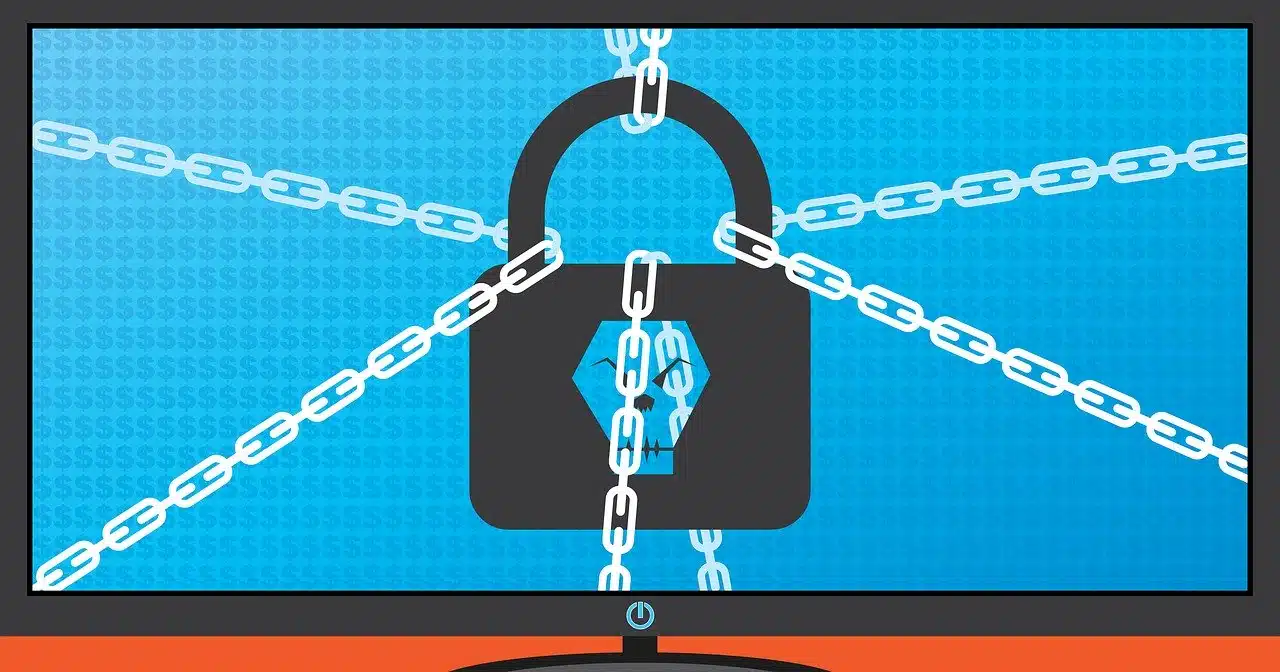 Malware comes in a variety of forms. Destructive attacks aimed at wiping out data come via such routes as computer viruses, Trojan horses and worms. Attacks using ransomware have a different objective: They perform a high-tech kidnapping by threatening to publish or withhold access to data unless a ransom is paid.
According to Wired, “2017 was a year of diverse, extensive, and deeply troubling digital attacks.” Highlights included:
- The Equifax data breach that exposed personal information for 145.5 million people.
- Two separate critical infrastructure hacks, including one that caused a blackout in the Ukrainian city of Kiev.
- The ongoing Yahoo data breach that exposed 3 billion accounts.
- The WannaCry ransomware that infected hundreds of thousands of targets worldwide, including public utilities, large corporations and the United Kingdom’s national health service.
Keep Your Digital Doors Locked
As technology progresses, so do the variety of threats to IT environments and sensitive information. Individuals and businesses need to protect against malware threats in their email, their cloud services and their information systems. Given the advancements in cyber attacks, it’s imperative for businesses to protect their critical information from security threats. V2 Systems can help design safeguards that are an integral part of your network infrastructure, software and management right from the start.
Since 1995, Manassas Park, VA-based V2 Systems has employed local systems administrators, network engineers, security consultants, help desk technicians and partnering companies to meet a wide range of clients’ IT needs, from research, to implementation, to maintenance. Concentrate on your VISION…We’ll handle the TECHNOLOGY!