When it comes to network downtime, it’s essential to take steps to minimize the effects and the resulting costs that can ripple throughout your business and impact your bottom line.
Start by thinking about what could actually happen and then plan accordingly. There are many causes for downtime, and you should plan for them all — from system failure to human error to natural disaster. Regardless of whether the cause is large or small, it’s essential to have contingency plans in place to guide you through an incident and minimize the disruption to your business.
Don’t think it can’t happen to you, because it can. One poll found that 82 percent of businesses had experienced downtime.
6 Essential Preventative Steps
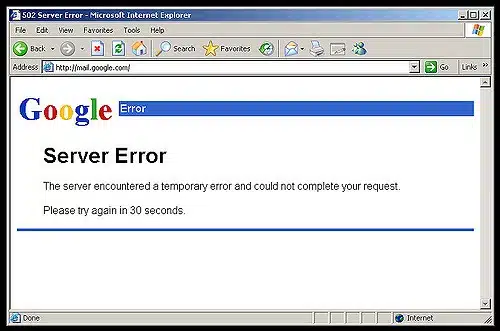 When something goes wrong, proactive maintenance and a fast, knowledgeable response go a long way toward keeping your business systems up and running.
A managed approach to IT can help prevent downtime. These services can provide you with real-time awareness of network status and streamline the necessary response.
To help minimize disruptions, follow these best practices:
- Perform proactive maintenance, by performing annual, quarterly or monthly preventive maintenance as needed.
- Maintain operating systems, applications and firmware with regular patching and updating.
- Deploy monitoring tools, using 24/7 automated system and network monitoring and notification.
- Execute scheduled enterprise-wide software deployments.
- Follow regular data backup protocols.
- Incorporate system redundancy, asset tracking and documentation.
Put a Team of Tech Experts in Your Corner
With so many potential ramifications for your business — including costs that can easily run into the thousands of dollars — it’s crucial to cultivate a strong relationship with your IT service provider.
Because of our extensive experience with IT management and support, we can address concerns about what happens when the system goes down and deliver successful results with network solutions tailored to your business. Put your trust in V2 Systems.
Since 1995, Manassas Park, VA-based V2 Systems has employed local systems administrators, network engineers, security consultants, help desk technicians and partnering companies to meet a wide range of clients’ IT needs, from research, to implementation, to maintenance. Concentrate on your VISION…We’ll handle the TECHNOLOGY!