There’s no way around it — downtime is expensive. But just how expensive it can be for your business may surprise you.
According to Dunn & Bradstreet, 59 percent of Fortune 500 companies deal with at least 1.6 hours of downtime every week.
Let’s unpack that number. Start by figuring an average Fortune 500 Company has 10,000 employees who are paid an average of $56 per hour — that’s $40 an hour for salary and $16 an hour for benefits. That means the cost for just 1.6 hours of downtime would total $896,000 every week, which translates into more than $46 million per year.
And remember, that’s only for labor, just one of the many costs associated with downtime.
Every minute the system is down costs you money — literally. According to its research, Gartner estimates the cost of downtime at $5,600 per minute, which translates to well over $300,000 an hour.
Downtime Expense on the Rise
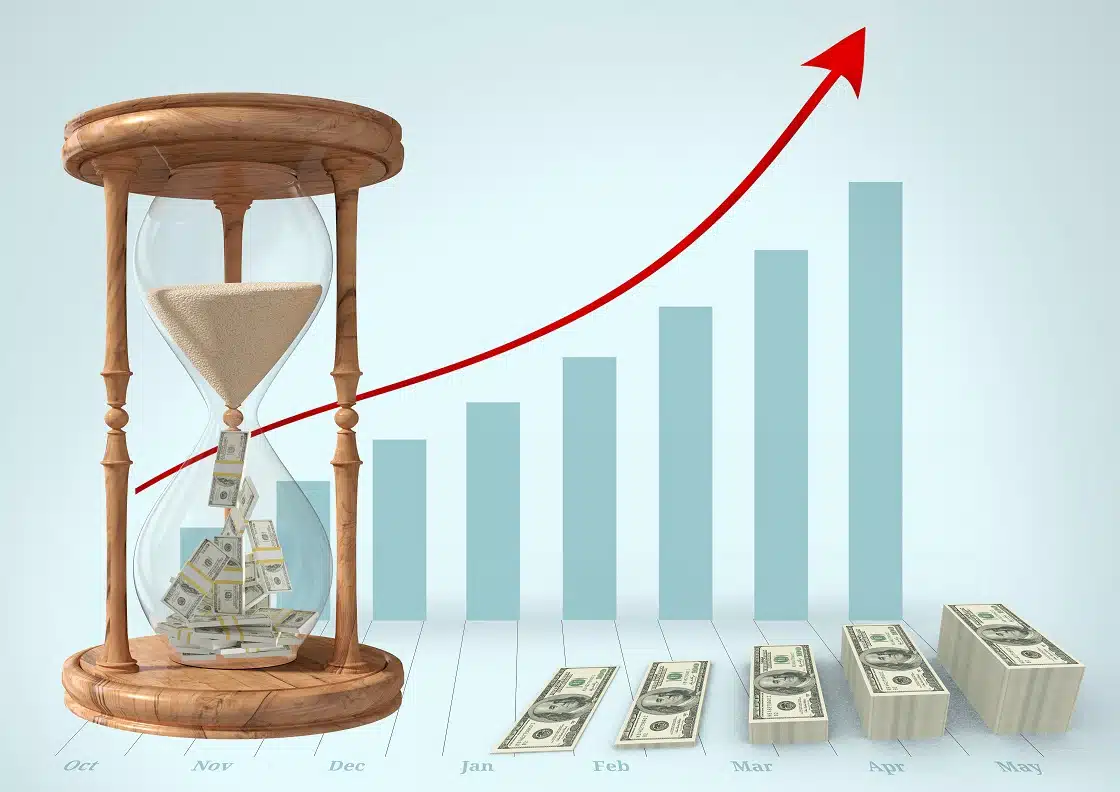 According to another analysis by the Ponemon Institute, the average cost of a data center outage has steadily increased from $505,502 in 2010 to $740,357 in 2016 — an increase of 38 percent.
The chart found within the report by the institute further illustrates the cost of downtime. It shows the minimum, median, mean and maximum cost per minute of unplanned outages. It shows that the most expensive cost of an unplanned outage is more than $17,000 per minute, while the average cost is nearly $9,000 per incident.
Downtime Ramifications
Every IT outage is different, but each one results in a procession of costs and consequences, both direct and indirect. There are many factors involved in determining the cost, and it varies depending on the size and type of business involved.
These costs factor into the business in both short-term and long-term ways, including:
- Business disruption
- Lost revenue
- Lost productivity
- Lost data
- Recovery expense
- Damaged reputation
Stack the Deck with Solid IT Support
With so many potential ramifications for your business — not the least of which are unplanned costs — it’s imperative to foster a strong relationship with your IT service provider. Proactive maintenance, knowledgeable support and a fast response when something goes wrong are essential elements to running your business systems. Rely on V2 Systems for expert IT support.
Since 1995, Manassas Park, VA-based V2 Systems has employed local systems administrators, network engineers, security consultants, help desk technicians and partnering companies to meet a wide range of clients’ IT needs, from research, to implementation, to maintenance. Concentrate on your VISION…We’ll handle the TECHNOLOGY!