In recent years, there has been a growing trend among companies (as seen in one of our previous articles) of utilizing a remote workforce, along with the need for technology and IT services that can cope with this trend.
In today’s society, working from home is an especially hot button issue right now, thanks to the current Coronavirus health issue. At V2 Systems, we want to make sure your business has everything it needs for everyone to remain productive – and healthy – while taking advantage of the many remote working solutions that are available to businesses and organizations.
Here are some of the essential tools a company needs to make available to its employees in order to successfully employ remote working.
Stay connected through real-time communication applications.
Communication between supervisors and coworkers is pretty much mandatory in any business. Don’t let the distance stop you. There are plenty of chat programs out there that are specifically designed for businesses and organizations to remain connected and organized. Applications such as Slack and Microsoft Teams are clear frontrunners. Slack members can be organized into teams and workgroups based on departments, projects, and more. It even integrates with Google Docs and DropBox.
Meanwhile, Microsoft Teams actually comes with your company’s Office 365 subscription. It’s a full-service collaboration and communication suite. You can make video and VOIP calls within Teams, direct and group message other users, and share work from other 365 apps, such as PowerPoint and Excel.
Make use of video chat.
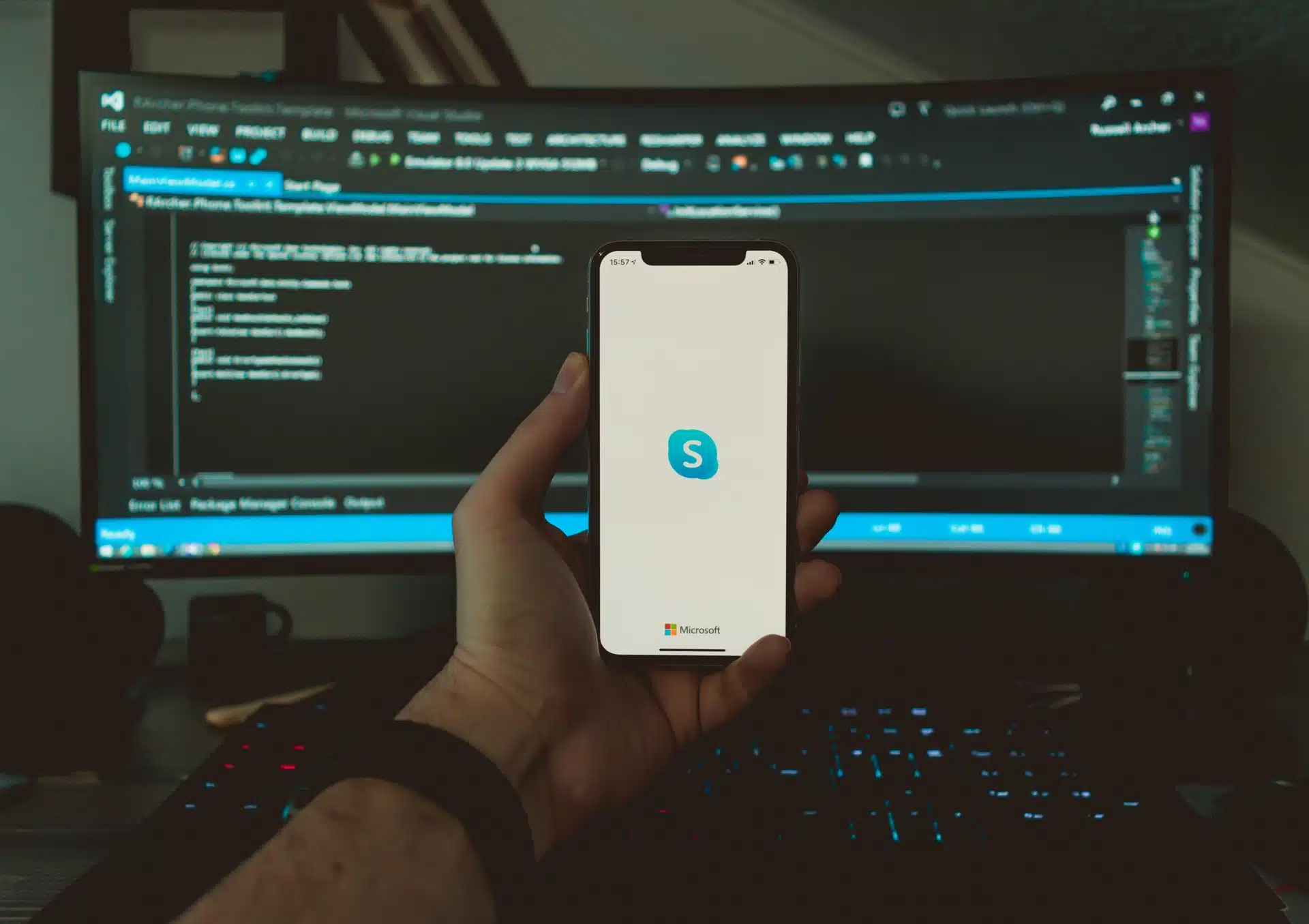 Software such as Zoom and Skype will be your go-to applications for experiencing actual face-time with employees. And like we mentioned, video calling actually comes with Office 365. Skype for Business is available automatically as part of the premium bundle.
Programs like these are ideal solutions for hosting meetings no matter how far away everyone is from the building. And today’s technology allows for very minimal lag and hiccups during conversation.
Make use of remote desktop applications.
Just because everything you need for work is on the computer back at the office, that doesn’t mean you can’t access it. Take direct control of the machine from anywhere, and manipulate whatever files you need. We can teach you how to implement features like this safely, in a manner that doesn’t impact your organization’s security.
Indeed, safety and security are at the forefront of our minds during situations like these. At V2 Systems, we strive to make everything simple for you in the safest way possible so that you don’t have to worry about security. With the right technology, distance should play no factor in your company’s productivity and goals. We’re here to help ensure it. Call us today to have us implement these remote workforce solutions for you.
Since 1995, Manassas Park, VA-based V2 Systems has employed local systems administrators, network engineers, security consultants, help desk technicians and partnering companies to meet a wide range of clients’ IT needs, from research, to implementation, to maintenance. Concentrate on your VISION…We’ll handle the TECHNOLOGY!