It’s that dreaded message from the IT department that no one wants to see flash across the screen: server is down. Cue the agitation, exasperation and frustration.
For a business, there’s nothing worse than having network systems go down during key production periods. Whether that outage lasts for five minutes or five hours, any work lost to downtime translates into unplanned expenses.
Consider what happened to British Airways when “a major IT system failure” caused severe disruption to flight operations worldwide in May 2017. Thousands of passengers were stranded, and hundreds of flights were cancelled.
During the massive system shutdown, the company’s CEO Alex Cruz offered assurance that “our IT teams are working tirelessly to fix the problems.”
Once the crisis ended and the planes took off again, the hit to the company’s bottom line became clear. The cost of compensating passengers, refunds, additional staffing and lost revenue could top $100 million.
The Time Clock Keeps Ticking
That may be an extreme example, but when the network system goes down, there’s always a price tag attached. The costs come in the form of:
- Lost revenue. It goes without saying that if your computer systems are down, then work isn’t getting done.
- Lost productivity. Your employees are still on the clock, but they can’t do their jobs.
- Recovery. There may be additional expenses involved with getting things back up and running.
- Intangibles. Depending on your business, the hidden costs of system downtime may be customer dissatisfaction or damage to your brand.
It’s Going to Happen, So Be Prepared
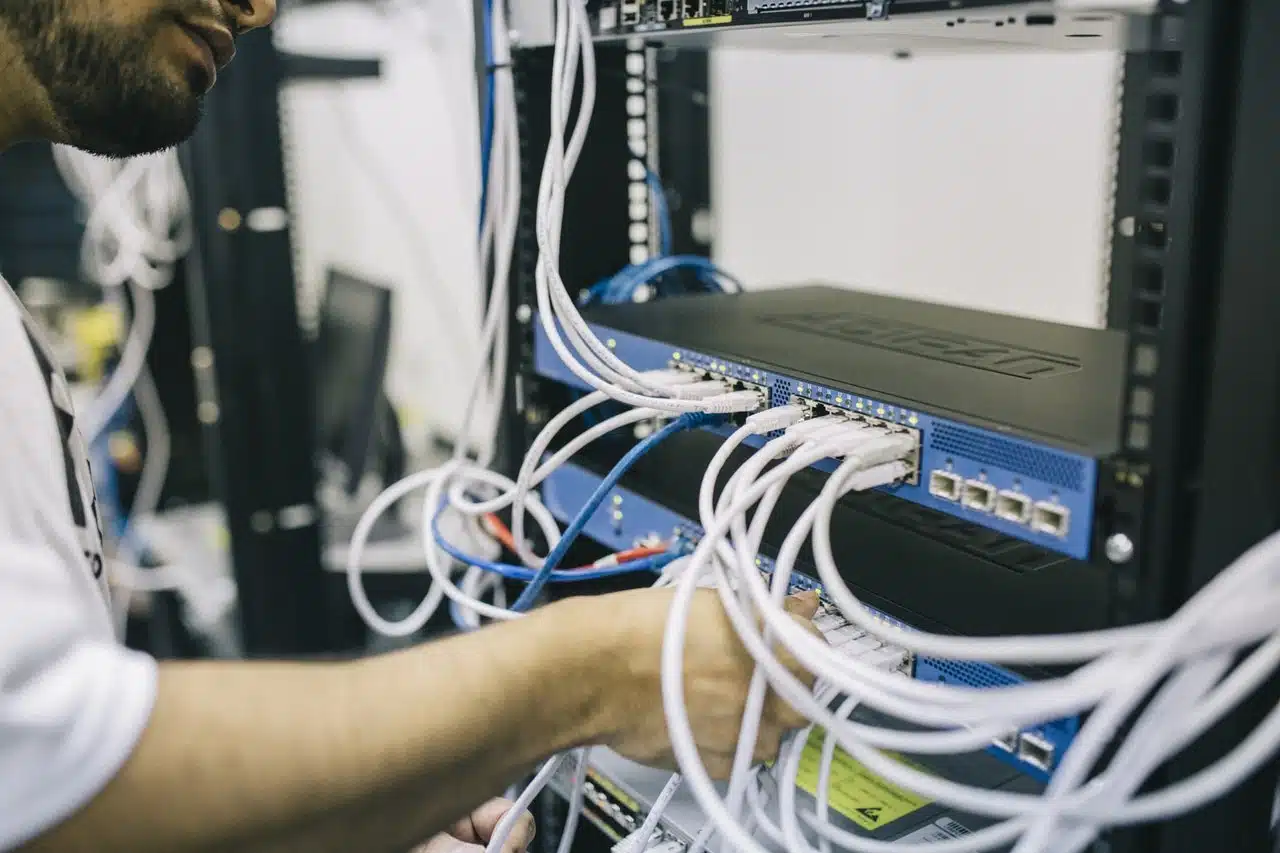 The nature of modern business, with its dependency on computer technology, cloud services and internet technology means a crucial cost of doing business is planning for when — not if — unexpected downtime occurs.
A system outage can happen whether your computer services are onsite or on the cloud.
According to Dunn & Bradstreet, 59 percent of Fortune 500 companies experience a minimum of 1.6 hours of downtime per week, which translates into $46 million a year. And that’s just the labor cost.
Those kinds of potential unplanned costs underscore why it’s important to know your IT service provider. Proactive maintenance, knowledgeable support and a fast response when something goes wrong are essential elements to running your business systems.
Because of our extensive experience with cloud computing and our working relationships with business clients, V2 Systems can address these concerns and deliver successful results with cloud computing solutions tailored to your business.
Since 1995, Manassas Park, VA-based V2 Systems has employed local systems administrators, network engineers, security consultants, help desk technicians and partnering companies to meet a wide range of clients’ IT needs, from research, to implementation, to maintenance. Concentrate on your VISION…We’ll handle the TECHNOLOGY!