When it comes to computer security, sometimes the most basic steps can be the most important. Case in point: creating strong passwords.
Just ask customers of sporting goods company Adidas, a recent victim of a security breach in which emails, encrypted passwords and usernames were stolen. It was just the latest in a long string of cyberattacks — from Equifax to Facebook — that have put the personal information of millions of people at risk.
And it underscores why it’s so important to follow best practices when it comes to passwords. Yes, we all know it can be frustrating to create, and then keep track of, all those passwords for websites and applications, ranging from your work email to your bank account to your favorite online shopping sites.
But your very identity — not to mention access to bank accounts and credit cards — could be on the line: “This is a call to individuals and organizations alike to completely readjust their thinking regarding passwords,” says Dustin Ormond of Creighton University.
CERT and NIST to the Rescue
For businesses, the risks are equally high. One recent study found that 25 percent of employees reuse the same password for everything.
This. Must. Stop.
Because this issue is so critical, we’re turning to computer security experts for tips on choosing and protecting passwords, both at home and at work.
The U.S. Computer Emergency Readiness Team — also known as CERT — is an agency within the Department of Homeland Security that monitors and helps coordinate the nation’s response to cyberthreats.
“Many systems and services have been successfully breached because of insecure and inadequate passwords,” CERT points out. “Once a system is compromised, it’s open to exploitation by other unwanted sources.”
In addition, the National Institute of Standards and Technology (NIST) has developed specific guidelines for implementing digital authentication — government-speak for creating strong passwords.
As both agencies explain, passwords are the key that keeps the digital door locked, but they only work if they’re complex and confidential.
3 Tips for Strong Passwords
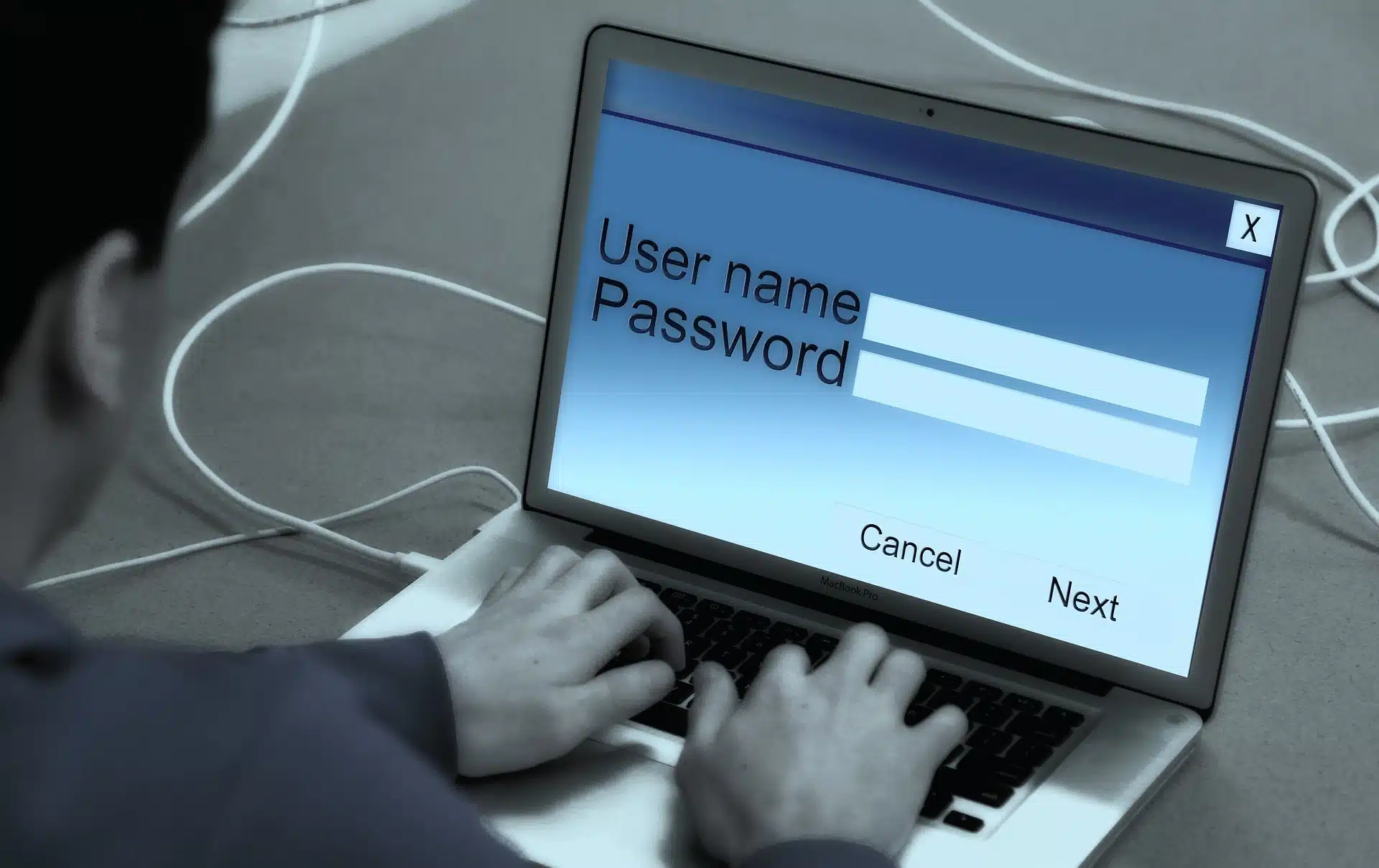 Follow these best practices from CERT to create and maintain secure passwords:
- Avoid common mistakes, such as:
- Using common and easy-to-find information, such as a birthdate or address, based on personal information that can be easily accessed or guessed
- Using words that can be found in the dictionary of any language
- Using common phrases, famous quotations or song lyrics
- Use long and complex passwords:
- Rely on a series of words, rather than a single word, and use memory techniques, or mnemonics, to help remember how to decode it.
- Combine lowercase and capital letters, plus numbers and special characters.
- Consider using the longest password or passphrase that’s allowed.
- Follow these dos and don’ts:
- Don’t reuse your password.
- Do use different passwords for each system and account.
- Do consider using a password manager program to keep track of passwords.
- Don’t write down a password and leave it where it could be found.
- Don’t tell anyone a password, and be vigilant in watching for attackers trying to trick you into revealing passwords.
- Do log out when using a public computer, such as at the library, a cafe or even a shared office computer.
- Don’t use public computers or internet service to access sensitive accounts such as banking and email.
Creating strong passwords is fundamental to protecting your company’s data, and a managed services provider can lend expertise to the process. Call us for a free consultation and we’ll talk about your security needs — no strings attached. Our expert engineers can design safeguards, including a password management system, that are an integral part of your IT network right from the start.
Since 1995, Manassas Park, VA-based V2 Systems has employed local systems administrators, network engineers, security consultants, help desk technicians and partnering companies to meet a wide range of clients’ IT needs, from research, to implementation, to maintenance. Concentrate on your VISION…We’ll handle the TECHNOLOGY!